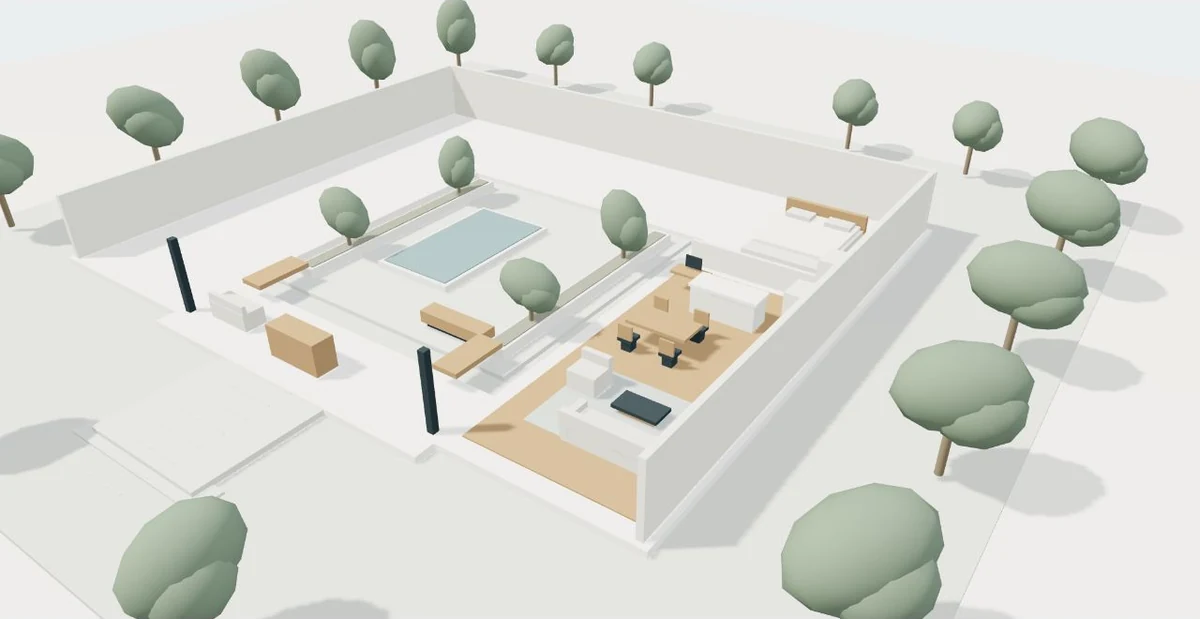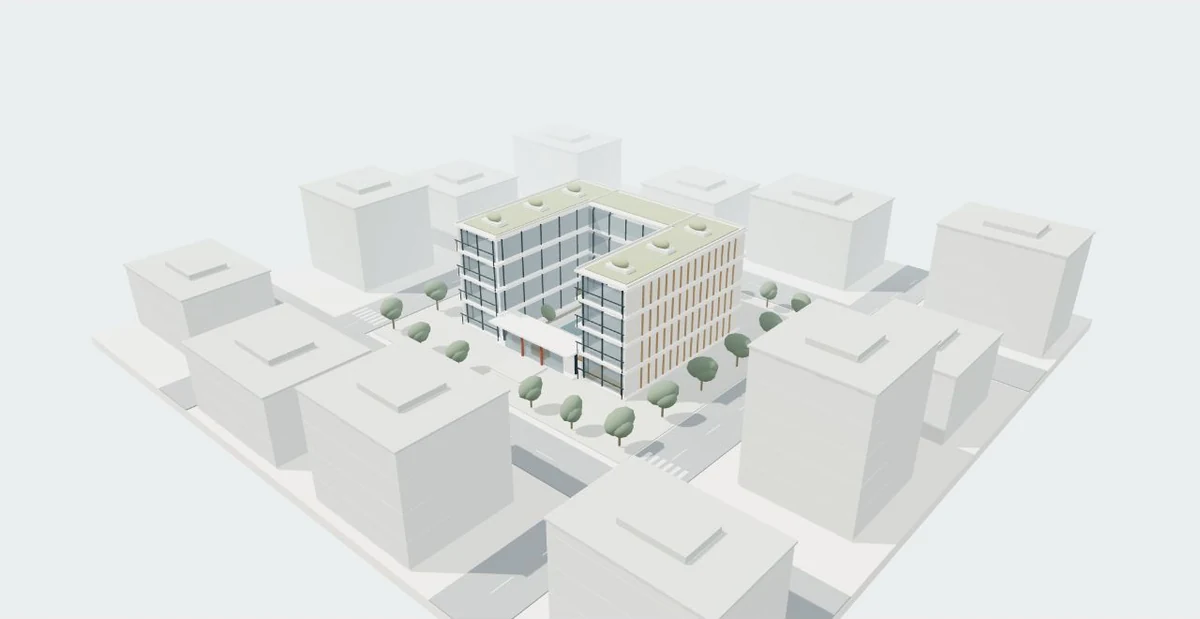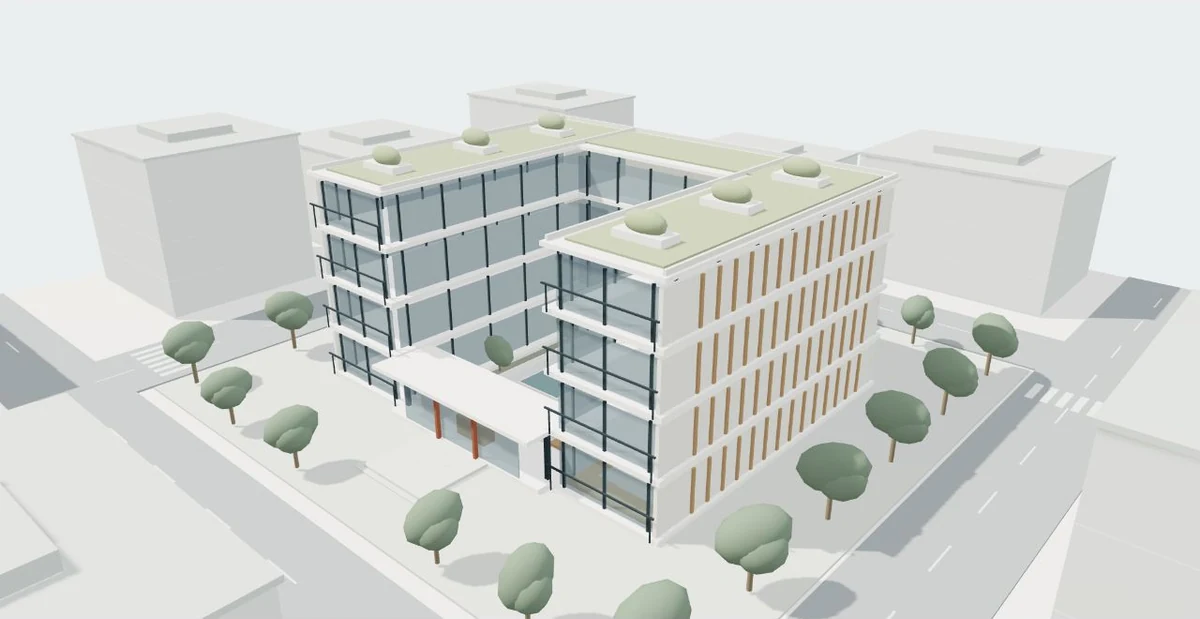
A virtual tour can help someone understand a place before visiting it or before it exists. The useful question is what that person should be able to explore. Choosing a format early keeps the production brief clear and prevents a beautiful presentation from solving the wrong problem.
Start with a question, rather than a technology
Imagine a prospective resident opening a development website on a phone. They may want to see how the living room connects to the terrace. A planning team may instead need to compare the building with the surrounding block. Those are different questions, even when both audiences use the same model. Write the main question in one sentence, then name two or three actions that would answer it.
For example: “Understand the route from the street to the shared courtyard” becomes an overview, an entrance viewpoint and a courtyard viewpoint. That is more specific than “make it immersive.” It also gives the team an acceptance test. Someone unfamiliar with the design should be able to find the route without being coached through the interface. Add a secondary format only when it solves another clear communication need.
A 360° tour connects selected places
A panoramic tour places the viewer at authored positions. At each position they can look around, then choose a hotspot leading to another scene. The source can be photographs of an existing space or panoramas rendered from a proposed design. 3DVista demonstrates both linked viewpoints and rendered architectural environments. This makes the format useful when a few carefully chosen positions explain the project well.
The limitation is also a useful design constraint: the audience generally moves through the offered viewpoints rather than freely walking behind every object. Plan positions around decisions, such as the entry, kitchen and terrace connection. Do not add ten almost identical panoramas simply to increase the count. Check that doors, room names and return paths remain understandable when a visitor arrives at a scene out of sequence.
Real-time 3D changes the viewpoint within geometry
An interactive geometric scene responds as the camera moves. It can support orbiting a building, selecting units, switching visible layers or entering a modeled interior. These functions need to be authored and tested; they do not appear automatically when a design file is uploaded. A simple exterior model and a richly furnished interior have very different production and device requirements.
Three.js recommends glTF where possible for model delivery, while acknowledging the complexity of other formats. That concerns the viewer pipeline, not a promise that every CAD or BIM file will open perfectly in a browser. Geometry, materials, textures, scale and navigation need review. Agree where the camera may go, what is selectable and what happens when a phone cannot comfortably display the most detailed scene.
Film and a digital twin answer different needs
An architectural film gives the author control over sequence, pace and framing. It can introduce a development quickly and show a planned journey without asking viewers to learn navigation. Playback controls let people pause or repeat, but usually do not let them choose an arbitrary route. A film can complement a tour when a concise introduction and independent exploration are both useful.
The term digital twin deserves a more precise conversation. The Digital Twin Consortium defines it through a data-driven representation and synchronized interaction at a stated frequency and fidelity. Definitions vary across the industry, so ask which physical asset, data and update process the term describes. A conceptual model of a proposed building can be an excellent communication tool without being presented as a measured, continuously updated twin.
Work through a small development example
Consider a hypothetical development of twelve apartments around a courtyard. The immediate goal is to explain shared access and one representative layout. The following options are example scopes, not packages with a fixed price or delivery time. Each could be appropriate depending on the audience and available design information.
For a public mobile website, an overview plus a short route may be enough to explain the idea. A sales meeting comparing several unit types may justify selection tools. If the design is changing weekly, the update process matters as much as the first release. Ask how a revised doorway, finish or unit layout will reach every affected image and scene.
| Format | Example scope | Main trade-off |
|---|---|---|
| Linked panoramas | Five positions: street, entry, courtyard, living room and terrace | Clear route with selected viewpoints |
| Interactive 3D | Building overview plus one modeled apartment | More control with more optimization and navigation work |
| Film | A guided one-minute sequence | Strong narrative with limited independent spatial choice |
| Data-connected twin | A defined real asset and an agreed update process | Requires data governance beyond a visualization |
Choose the experience from the viewing task
- Name the audience
- Write the spatial question
- Choose viewer control
- Review available files
- Define delivery and updates
- Test the complete task
Agree the handover before production begins
A tour is more than the visible scene. Confirm where it will be hosted, whether it will sit inside another website, who can access it, which languages are included and who maintains it. Ask whether the delivery is a public link, an embeddable viewer, exported files, a film or a combination. Source authoring files and third-party hosting are separate decisions that belong in the scope.
Finally, request a small representative test. It should include the most demanding material, a typical navigation step and the intended mobile layout. Review it on the devices people will actually use. The aim is not to collect the largest list of features; it is to make the important architectural relationship easy to understand and the next action easy to find.
Ideas to take from this guide
- Describe the audience and one main spatial question.
- Choose selected viewpoints, geometric navigation or a guided sequence.
- Identify the design revision and missing information.
- Specify mobile, desktop, embedding and language needs.
- Confirm hosting, access, updates and handover files.
- Test the journey with someone who has not seen the project.
A useful virtual tour makes a specific architectural decision easier. Choose the format around that decision, then agree its inputs, controls and delivery.
Sources & further reading
- 3DVista — VR and virtual-tour examples ↗
- Three.js — Loading 3D Models ↗
- Digital Twin Consortium — Definition of a Digital Twin ↗
Original editorial guidance with hypothetical examples. Product documentation and the project’s approved source files define actual capabilities and scope.