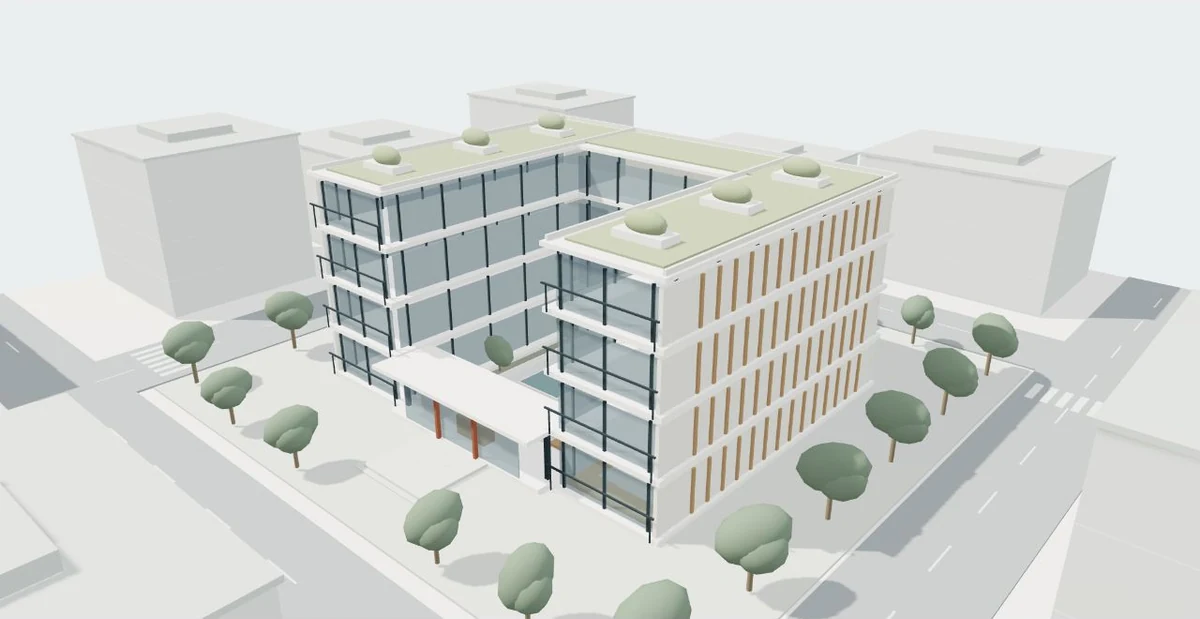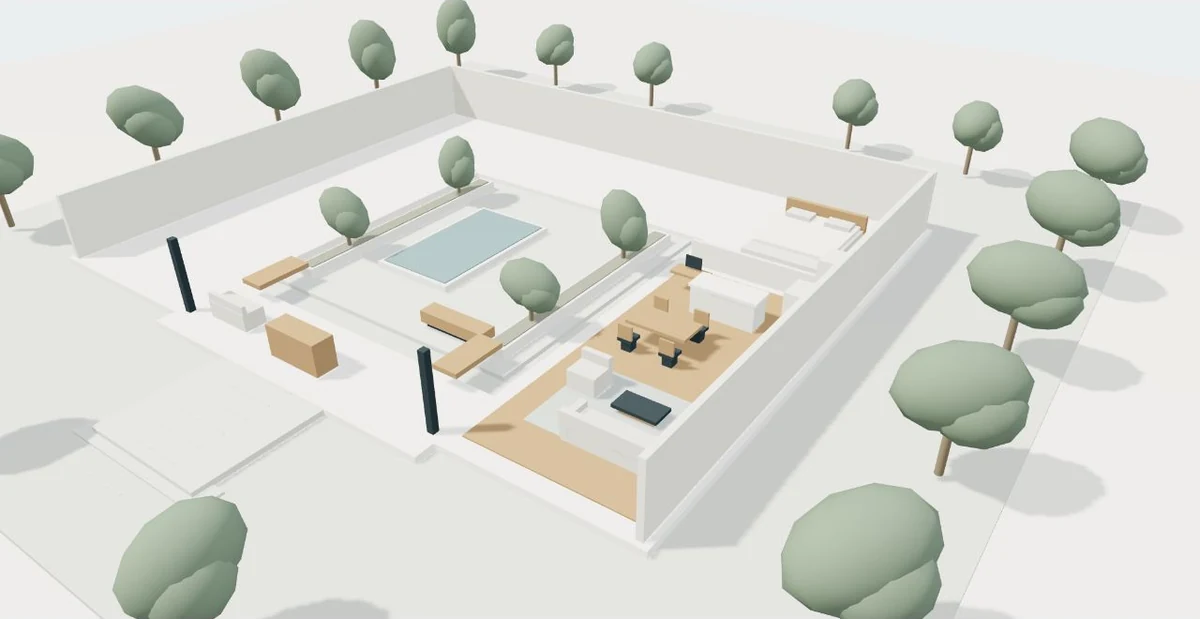
A model can contain much more than the geometry needed for a presentation. Drawings, photographs and linked files may reveal personal information, unfinished design decisions or building details intended for a limited audience. A clear sharing process helps a visualization project move forward while keeping those distinctions visible.
Begin with an inventory, not the complete source folder
For an initial compatibility review, describe the project and list the available file types, software versions, approximate sizes and design revision. Explain whether the space is proposed or already built. This often allows a productive first conversation without handing over every linked model, photograph and internal document. Share the minimum information needed to determine the next step.
Keep a simple manifest showing what each file contains and why it is relevant. A plan export for scope review may be sufficient before access to the native authoring model is agreed. If something is confidential, mark that fact in the inquiry and arrange the transfer method before sending it. A website contact form and a production-file exchange do different jobs.
Confirm authority to share the design material
The person sending a file should know who owns or controls it and whether sharing it for visualization is authorized. Project ownership, authorship of drawings, model licensing and rights in photographs may involve different people or agreements. Ask the responsible project team to confirm which materials can be provided and which can later appear in a public presentation.
As one jurisdiction-specific example, the U.S. Copyright Office explains that an architectural work and a technical drawing of it can be separate works. This is a useful reminder to ask about rights, not a universal rule for every country or contract. For a real commission, identify applicable agreements and seek appropriate advice when ownership or publication permission is uncertain. Record permissions rather than relying on an informal assumption.
Separate private inputs from public outputs
A public viewer should contain the information intended for its audience. It does not necessarily need the entire source model, internal comments, hidden layers or detailed service systems. Prepare a presentation export with an explicit scope. Keep authoritative project files and private working files under their agreed access controls, separate from the assets served to website visitors.
Make a disclosure decision for each class of information. A public residential presentation might show the spatial sequence and approved finishes while excluding internal access codes, alarm details and personal documents. An internal design review can legitimately need other information. The important point is purpose: decide what a viewer needs to understand and who should be able to retrieve the underlying files.
Review captured imagery for visible details
An existing-space capture can include faces, family photographs, computer screens, documents, license plates or a password written on a board. Inspect scenes at a useful resolution before publishing. Staging a room before capture can reduce later cleanup, but the final review remains important. Consider reflections and repeated viewpoints; hiding a detail in one image may leave it visible elsewhere.
Matterport’s blur-tool lesson illustrates the need to inspect sensitive details before sharing and notes that its edits can be destructive. Other workflows have different tools and limitations. Preserve the agreed working source before irreversible edits and verify the actual exported result. Blurring is a visual treatment, not a substitute for deciding whether the model should be public or restricted in the first place.
Choose a sharing process with clear boundaries
Use access appropriate to the information: named reviewers, a restricted folder or another agreed private transfer method. Confirm who can download, whether links expire and who will remove access after the review. A link described as private may still be accessible to anyone who receives it, depending on its configuration. Test the permissions rather than judging them by the link’s appearance.
The table describes a hypothetical project workflow. It is a planning example, not a claim about a particular storage service. The same project can use different access levels at different stages, with a clear reason for each transition. Keep the file inventory and permissions together so a new team member can understand what was shared and why.
| Stage | Material | Access decision |
|---|---|---|
| Initial inquiry | Project description and file inventory | Contact team only; no source model required |
| Compatibility review | Selected plan/model sample | Named reviewers with agreed download permission |
| Production | Approved design package and references | Project team under agreed confidentiality terms |
| Public release | Reviewed viewer assets and explanatory text | Only material authorized for public presentation |
| Closeout | Deliverables and retained working files | Retention, deletion and future-update responsibilities agreed |
Move information through deliberate sharing stages
- Describe available files
- Confirm permission
- Agree private transfer
- Review the working package
- Approve public content
- Close or renew access
Agree retention, delivery and later use
Before production, discuss what happens to source files after delivery. Some projects need a retained working package for updates; others require removal after a defined period. Identify who keeps the authoritative design source, what visualization files are handed over and whether third-party assets have separate licensing. Do not assume that receiving a public viewer includes every authoring file.
If uploads are offered through a website, OWASP recommends controls including allowed types, validation, size limits, authorization and safe storage. A file extension filter in the browser alone does not establish a secure exchange. For the client, the useful questions are straightforward: where will files go, who can retrieve them and how can access be ended? Clear answers help both sides start the project with confidence.
Ideas to take from this guide
- Describe file types and revisions in the initial inquiry.
- Confirm permission to share drawings, models and images.
- Separate source files from the public presentation export.
- Inspect visible personal and security-related details.
- Test reviewer access and download permissions.
- Agree retention, handover, publication and later reuse.
Share each file for a defined purpose with an appropriate audience. A clear private handover makes a useful public tour possible without exposing the entire project package.
Sources & further reading
- OWASP — File Upload Cheat Sheet ↗
- Matterport Academy — Use the Blur Tool ↗
- U.S. Copyright Office — Circular 41, Architectural Works ↗
Original editorial guidance with hypothetical examples. Product documentation and the project’s approved source files define actual capabilities and scope.